

Fatline
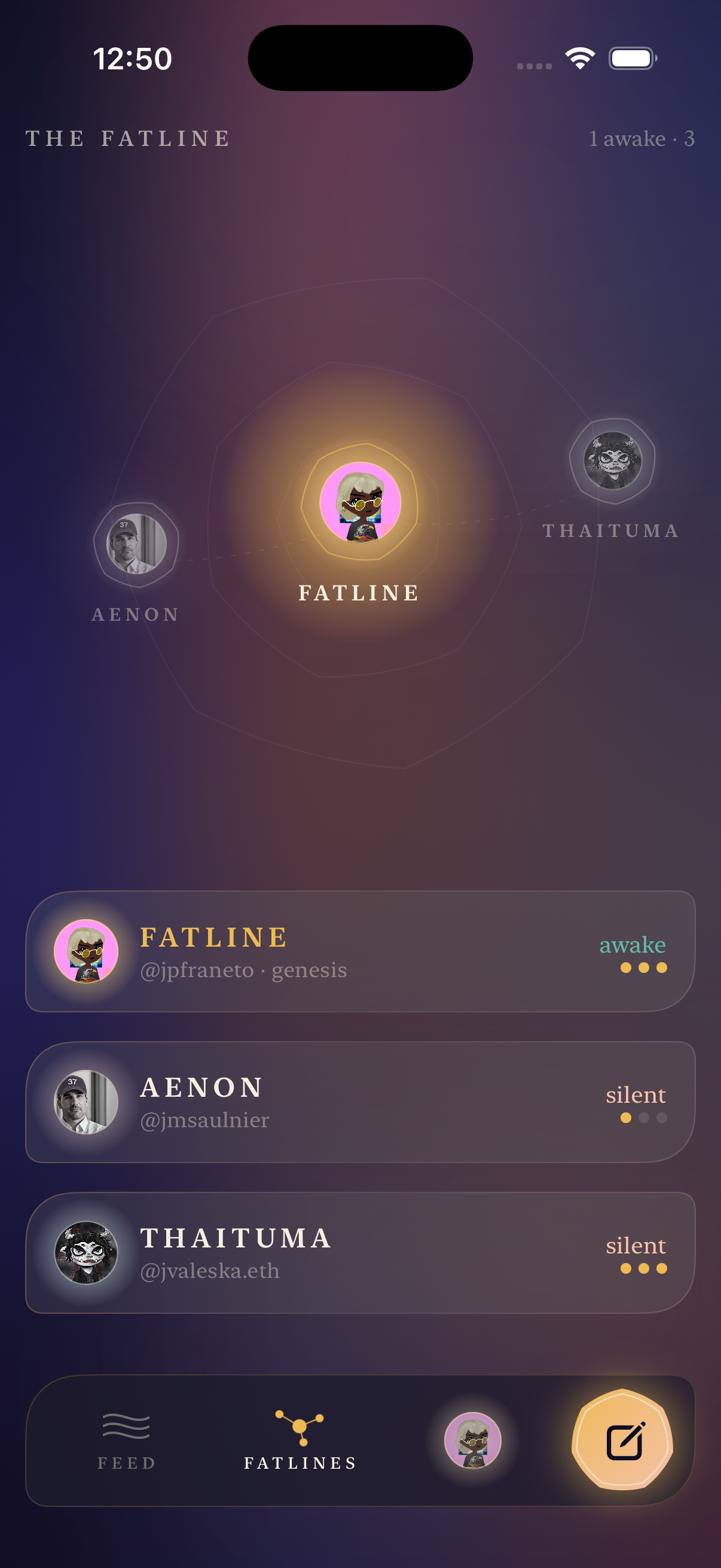
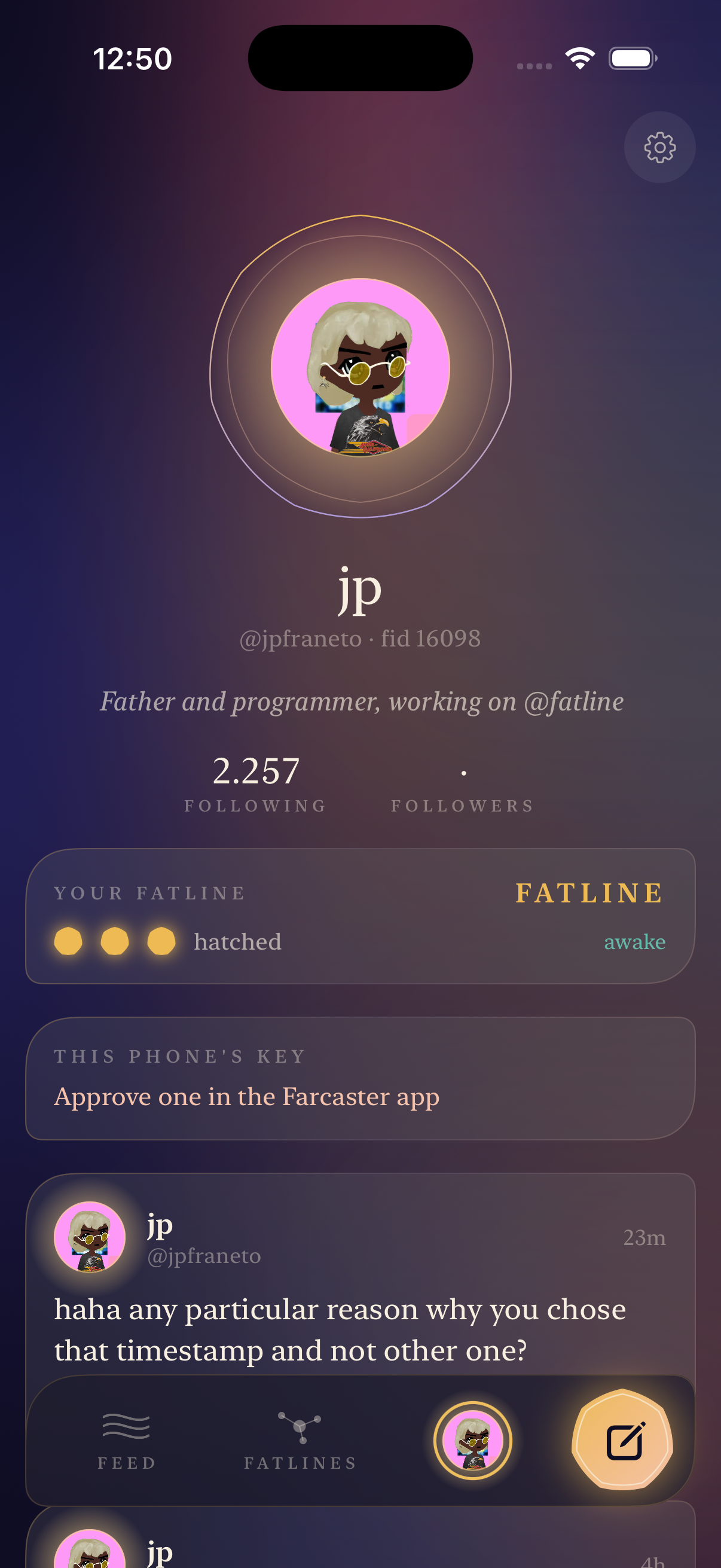
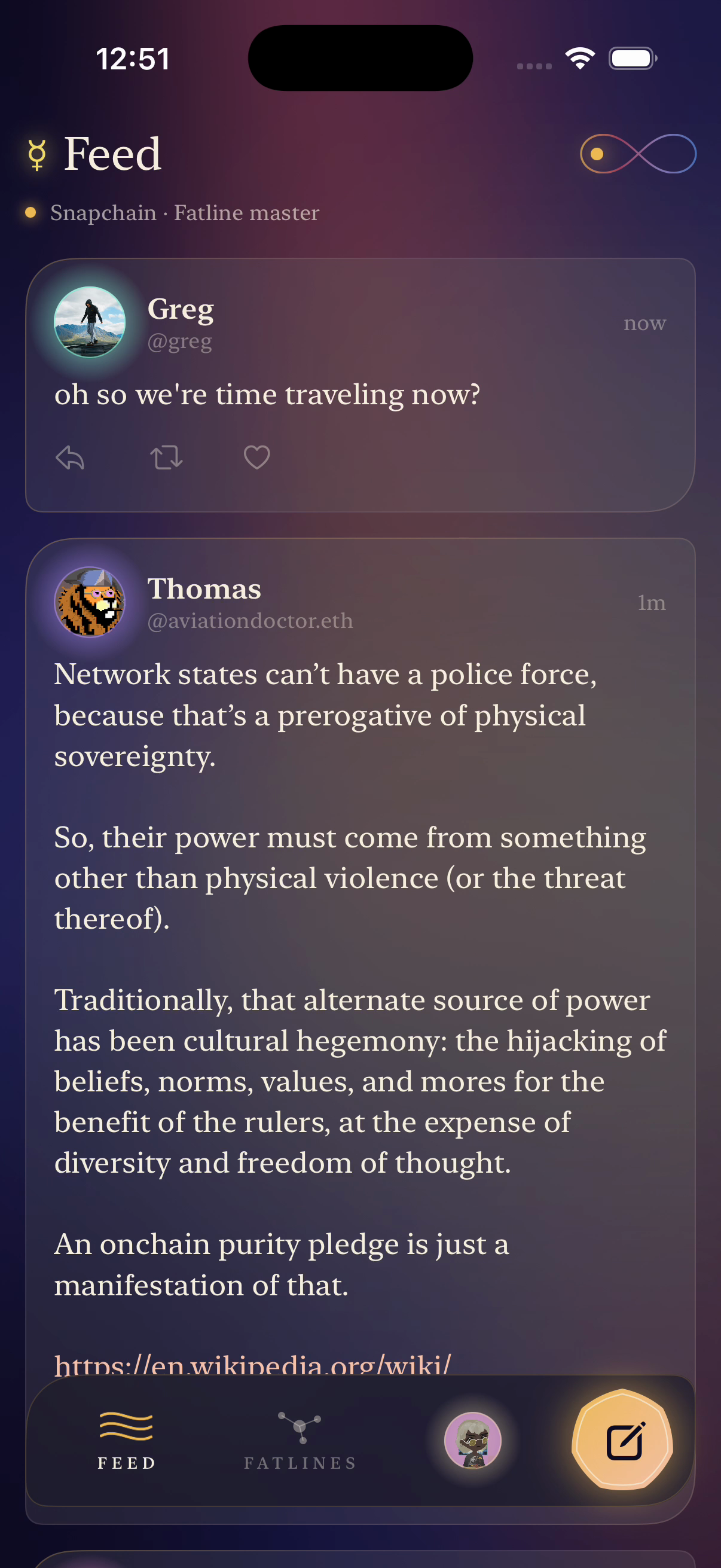
Fatline is a Farcaster client with no hosted API in between. It reads straight from a node: your feed is the newest casts from everyone you follow, kept live from the node’s own event stream. The infinity sign at the top always names the node you are reading, Snapchain or Hypersnap, and Settings can pin your own. Fatlines shows every node the hatchery knows and whether each one is awake and in step. Your profile shows your casts and your Fatline. To cast, the phone makes its own signing key, kept in this device’s Keychain. You approve it once in the Farcaster app; after that, casts, replies, likes and recasts are signed on the phone. Casting is new and not yet tested end to end.
Get app
Get Fatline on your iPhone
Menlo copies Fatline’s code from GitHub (jpfraneto/fatline) onto your Mac. Xcode builds your own copy there, signed with your Apple account, and Menlo installs it on your iPhone.
- Download Menlo and open it. Already have it? Skip this.
- Press Open in Menlo, then Build for my iPhone.
Needs Xcode and your iPhone. Menlo for Mac is a release candidate · macOS 14+.
Open this link on your Mac.
Menlo on your Mac copies Fatline’s code from GitHub, builds it, and installs it on your iPhone.
Your Mac builds it with Xcode and signs it with your Apple ID. Then it’s on your iPhone.
- From
jpfraneto/fatlineat73817a1, the exact code you’d build- Reviews
- None for this version yet.
Read it and say what you found
Review Fatline
Personally examine this exact source version ↗, including the parts that matter to your recommendation.
Your recommendation names your GitHub account and the scopes you reviewed. You can add findings or withdraw it later.
Review from Terminal
I reviewed this version's source and recommend it for installation.
npx menloapp@1.6.0 review 'https://menloapp.lol/fatline?commit=73817a1de1819f504b8ec920996537fa2b2f1bdf&repository=1428834185'The command shows the statement and asks for confirmation before publishing. Use --scope dependencies or --notes to explain your review.
Reviews say what someone examined. They are not a safety guarantee.